TeleWire
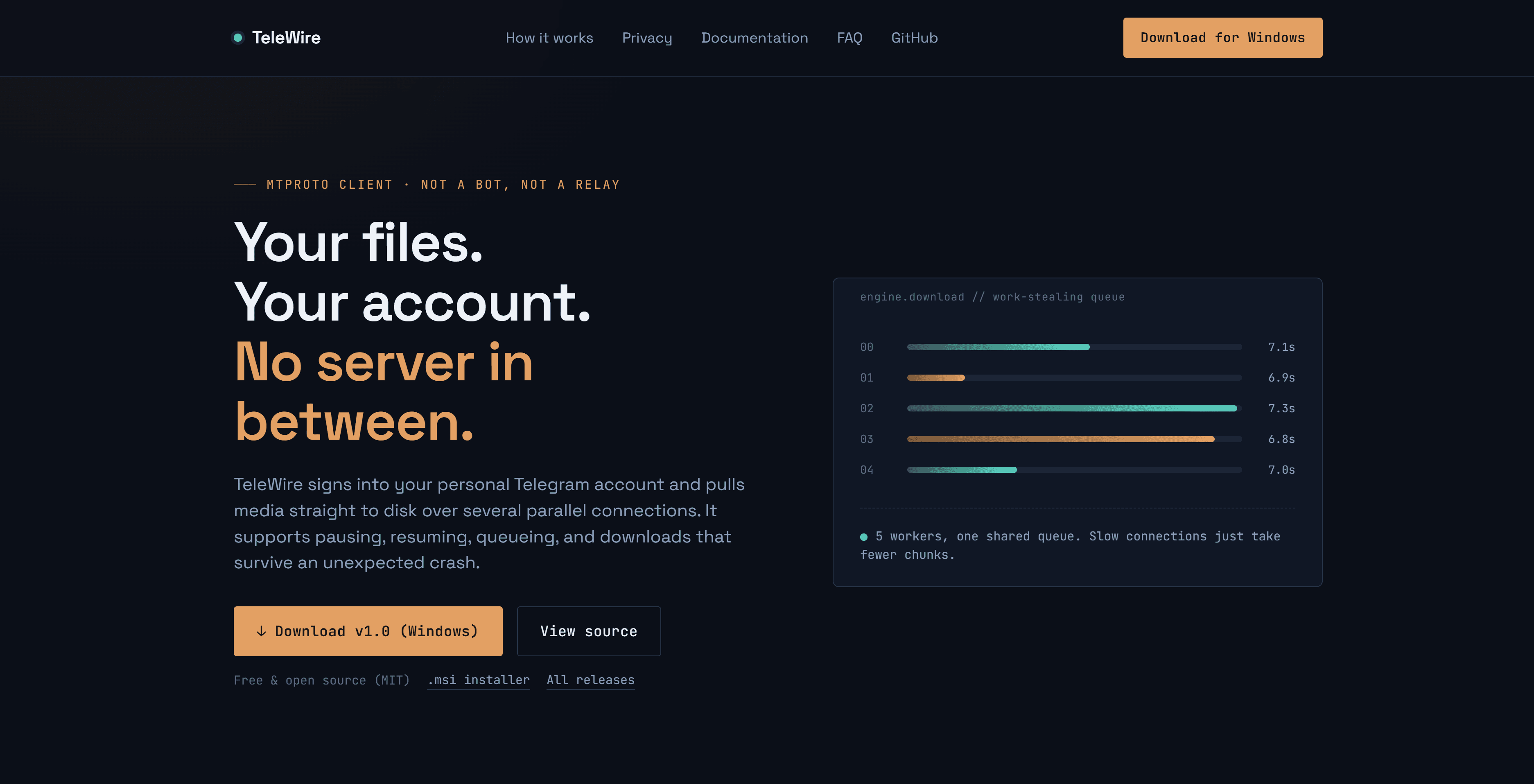
A desktop download manager for Telegram. It signs into your own account, lets you browse any chat's media history, and pulls files straight to disk over several parallel connections — with pause, resume, queueing, and downloads that survive a crash.
No server. No bot. No relay. The Rust backend is a Telegram client, the same way the official desktop app is. The only two parties ever exchanging file bytes are Telegram's data centers and your disk.
Free, open source, MIT, and there is nothing to pay for — ever.
Screenshots
What it does
| | |
|---|---|
| Every chat | Channels, groups, bots, one-to-one chats and Saved Messages — all of them, grouped and searchable |
| Every file type | Video, audio, photos and documents (mp4, mkv, pdf, zip, …), classified from MIME and filename |
| Parallel downloads | The file is split into 512 KiB chunks pulled by several connections at once |
| Adaptive speed | Worker count is tuned from measured throughput, not a fixed guess |
| Crash-safe resume | Kill the app mid-transfer; relaunch resumes from exactly where it stopped |
| Auto-organised | Files land in <download root>/<chat>/<YYYY-MM>/<filename> |
| Queue control | Pause, resume, cancel and retry, with live per-connection throughput |
Install
Prerequisites
- Rust 1.85 or newer — the
grammers0.10 crates are Rust edition 2024 - Node.js 18+
- A platform webview: WebView2 on Windows (preinstalled on Windows 11), WebKitGTK on Linux, WKWebView on macOS
On Windows the MSVC toolchain is the usual choice. The project also builds
fine on the x86_64-pc-windows-gnu toolchain with MinGW-w64, which is handy
when you can't install Visual Studio Build Tools.
Build
git clone https://github.com/YaserZarifi/TeleDownloader-Telegram-Download-Manager-.git
cd TeleDownloader-Telegram-Download-Manager-
npm install
npm run app          # run it
npm run bundle       # produce installers in src-tauri/target/release/bundle/
Other scripts:
npm run dev          # frontend only, in a browser, against fixture data
npm run build        # type-check and bundle the frontend
First run
You sign in with your phone number, exactly like the official Telegram app: number → login code → two-factor password if you use one. TeleWire signs in as an ordinary user account. It is not a bot, and it can download anything your account can already see in Telegram.
There is one wrinkle, and it is worth explaining rather than hiding.
About api_id / api_hash
Telegram requires every client to identify the application before it can open a connection at all. Telegram Desktop has such a pair; so does every third-party client. It has nothing to do with which account signs in, and it is not a bot token.
Because it is required before a login code can be sent, it cannot be deferred until after the phone number. So there are two ways to handle it:
As a distributor — recommended. Register once and bake the values in. Everyone who runs your build then sees only a phone-number prompt:
cp src-tauri/telewire.credentials.example src-tauri/telewire.credentials
# fill in the two values, then
npm run bundle
That file is gitignored. You can also pass TELEWIRE_API_ID and
TELEWIRE_API_HASH as environment variables at build time.
As someone building from source with no credentials baked in. The app walks you through a one-time setup: open https://my.telegram.org/apps, sign in with your phone number, create an app with any name, and paste the two values. They go into your OS keychain and you are never asked again.
Why the project doesn't just ship a shared pair
An api_id that appears in a public repository gets flagged by Telegram with
API_ID_PUBLISHED_FLOOD and stops working — for everyone using it. Shipping
one would break the app for every user the moment it was noticed, so the repo
stays free of credentials by design.
How downloading works
- The file's size comes from the message's media metadata.
- The destination is preallocated to full size as
<name>.part. - The file is divided into 512 KiB chunks. That alignment is not arbitrary — Telegram requires the request length to divide 1 MiB, the offset to be a multiple of 4 KiB, and a single request never to straddle a 1 MiB boundary.
- Several workers pull from one shared queue of chunk indices. This is the work-stealing part: a slow connection simply takes fewer chunks instead of holding up a statically assigned range.
- Worker count starts low and climbs while each added connection actually improves measured throughput, then backs off when it stops helping or Telegram starts issuing flood-waits.
- A sidecar manifest records which chunks are confirmed flushed to disk, so relaunching after a crash resumes precisely rather than restarting or silently corrupting.
- On completion the byte count is verified, then
.partis atomically renamed. A file with its real name on disk always means it is complete.
Flood-waits back off only the affected worker, for exactly as long as Telegram asks — the rest of the job keeps running.
Privacy
Zero telemetry. This app signs into a real Telegram account, so this is a concrete claim rather than boilerplate — and one you can check in the source:
- No analytics, no crash reporting, no phone-home of any kind.
- The only network destination is Telegram's own servers. There is no update check, no error collector, and no third-party endpoint.
- All Telegram traffic happens in Rust. The webview never makes a network request: it runs under a Content-Security-Policy that permits no remote origin, and even the fonts are bundled into the app rather than fetched from a CDN.
- Your
api_hashis stored in the operating system's keychain (Windows Credential Manager / macOS Keychain / Linux Secret Service), not in a config file. - The MTProto session lives in a SQLite file in your per-user app data directory, tightened to owner-only permissions. The session key is never logged and never crosses into the frontend.
If crash or usage reporting is ever added, it will be explicit opt-in.
Security caveat, stated plainly
TeleWire uses grammers for MTProto.
Its maintainer states that the crypto and authentication code has not been
formally audited. He uses it himself and trusts it, but recommends anyone
deploying it somewhere security-critical review grammers-crypto and the auth
portion of grammers-mtproto personally. Since this app handles a real
account login, that is worth knowing before you use it.
Responsible use
This is a general-purpose download tool, and what you point it at is your call. You are responsible for having the right to download and use whatever you access with your account — the same expectation that applies to using Telegram's official client.
State of the project
| Milestone | Status | |---|---| | M1 — Phone/code/2FA login, session persists across restarts | Done, verified against a live account | | M2 — Paginated media browsing for real chats | Done | | M3 — Single-file download with progress | Done | | M4 — Parallel chunked downloads | Done | | M5 — Queue with pause / resume / cancel / retry | Done | | M6 — Crash resume, adaptive concurrency, auto-organised folders | Implemented; resume-after-kill not yet exercised across a full matrix of file sizes | | M7 — Installers for Windows / macOS / Linux | Windows only so far. The macOS and Linux targets are configured but have not been built or tested — no Apple or Linux machine has run this yet. |
Not yet built, and deliberately parked: cross-channel search, duplicate detection by file hash, a per-connection throughput graph, CI-built signed installers, and the auto-updater.
Builds are unsigned, so Windows SmartScreen and macOS Gatekeeper will warn on first launch until code-signing certificates are set up.
Credits
Developed by Yaser Zarifi.
- Project repository: https://github.com/YaserZarifi/TeleDownloader-Telegram-Download-Manager-
- GitHub: https://github.com/YaserZarifi
- LinkedIn: https://www.linkedin.com/in/mohammad-yaser-zarifi/
License
MIT — see LICENSE. Compatible with grammers' MIT/Apache-2.0 dual
license.